
AI Assistance
AI generated Factor and Link descriptions
All factors and links may have Notes associated with them. These notes are displayed when a factor or link is selected. They describe the factors and links in more detail than can be accommodated in a label.
The descriptions may be typed in by hand, or they can be generated using a Large Language Model (LLM), a type of artificial intelligence (AI).
To get AI to create a description, select a node or a link and click on the 'sparkle' button  at the top of the Note panel. After a short pause, the Note panel will be filled with an AI generated description. This text can be - and usually should be - edited to provide more detail and correct any mistakes. The text may be too long for it all to be visible within the Note panel. You can scroll the text, or click on the New window icon
  to copy the text into a much larger window.
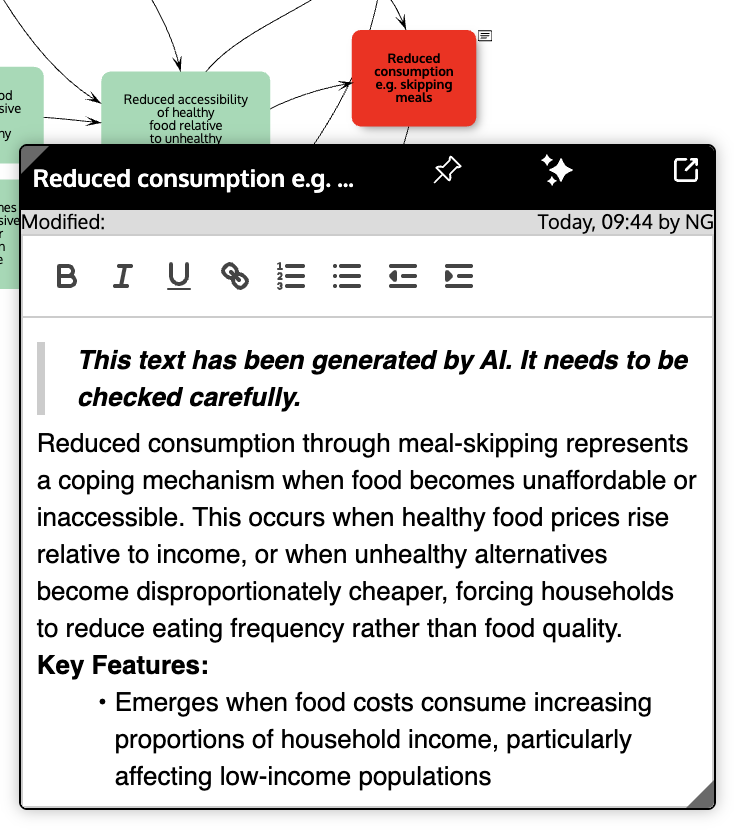
The AI is provided with the factor label (or the 'from' and 'to' factor labels for links) as cues for the description, together with rest of the map and the map's title, if any, as context. Hence to get a better description, factor labels should be precise, and the map should have a meaningful title.
If the Note panel already contains text, this too is provided to the AI. This already existing text can be used to prompt the AI and influence what it generates.
The AI uses the information it has gained from extensive training on documents found on the internet together with information from the map to create the description. The text it generates should be treated as fallible and only a starting point for more expert and more informed descriptions. Do not rely on the accuracy of the text, or on the validity of the web links and academic papers cited. This all should be carefully checked.
Requesting a description for a second time may generate a slightly different text because the AI is not deterministic (i.e. it depends on probabilities).
To create the text, data is sent to an AI server in the UK. No data is retained on the server or used for training. PRSM only uses AI to generate these descriptions - if you don't use the Sparkle button, no AI is accessed.
The prompt to obtain a description of a link (the prompt for factors is similar) is like this:
System map overview description
When you open the map overview (using the toggle at the middle left edge of the map window), the editing toolbar at the top includes the 'Sparkle' button that can be used to get an AI generated description of the whole map. The AI is provided with the map (the factor labels and the links) and the map title to base its description on. The same cautions should be borne in mind: the text it generates should be treated as fallible and only a starting point for a more expert and more informed description. Do not rely on the accuracy of the text, or on the validity of the web links and academic papers cited. It should be carefully checked.
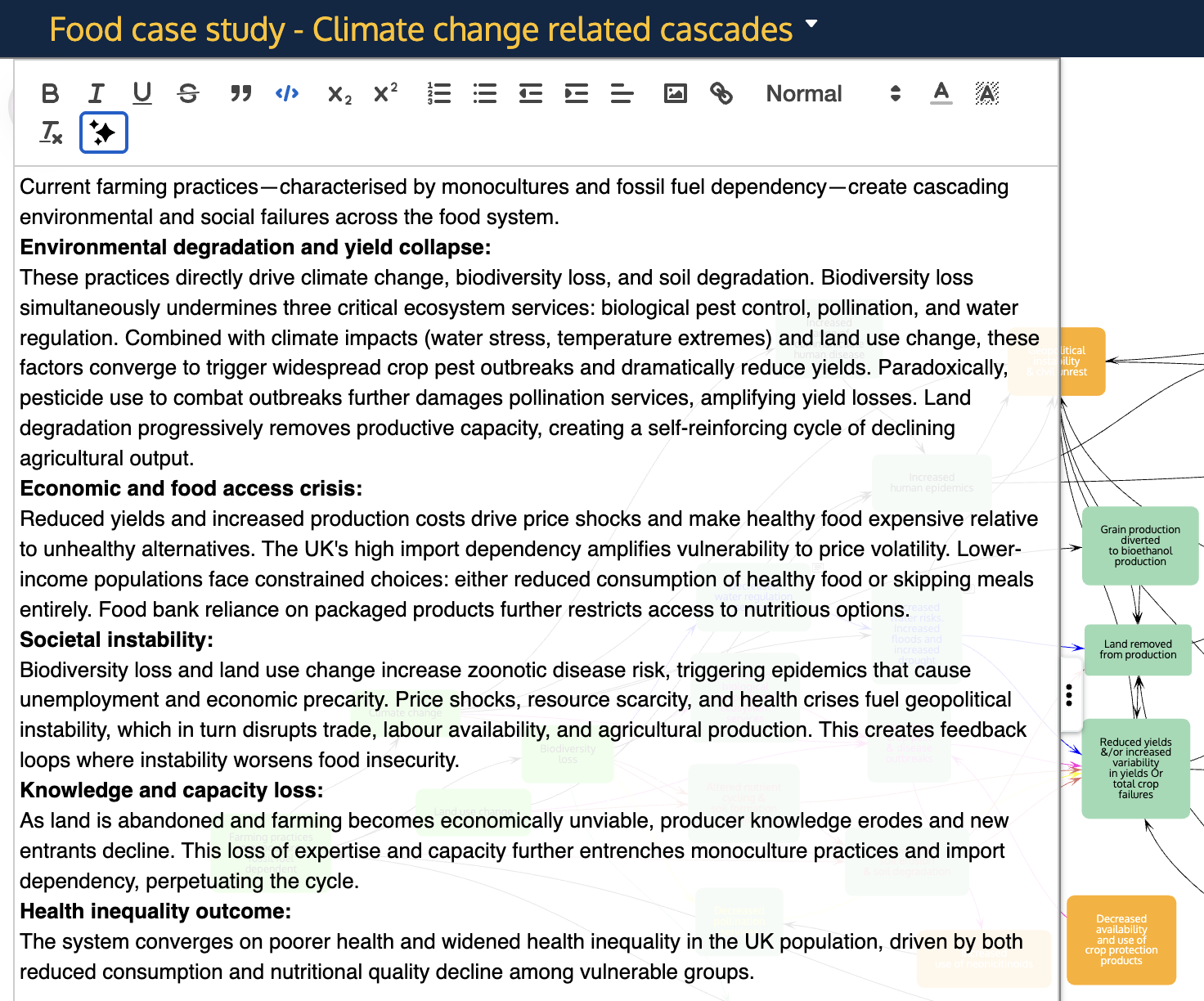
The prompt for the map overview is: